
- Информация о материале
- Время чтения: 1 мин
- Просмотров: 41
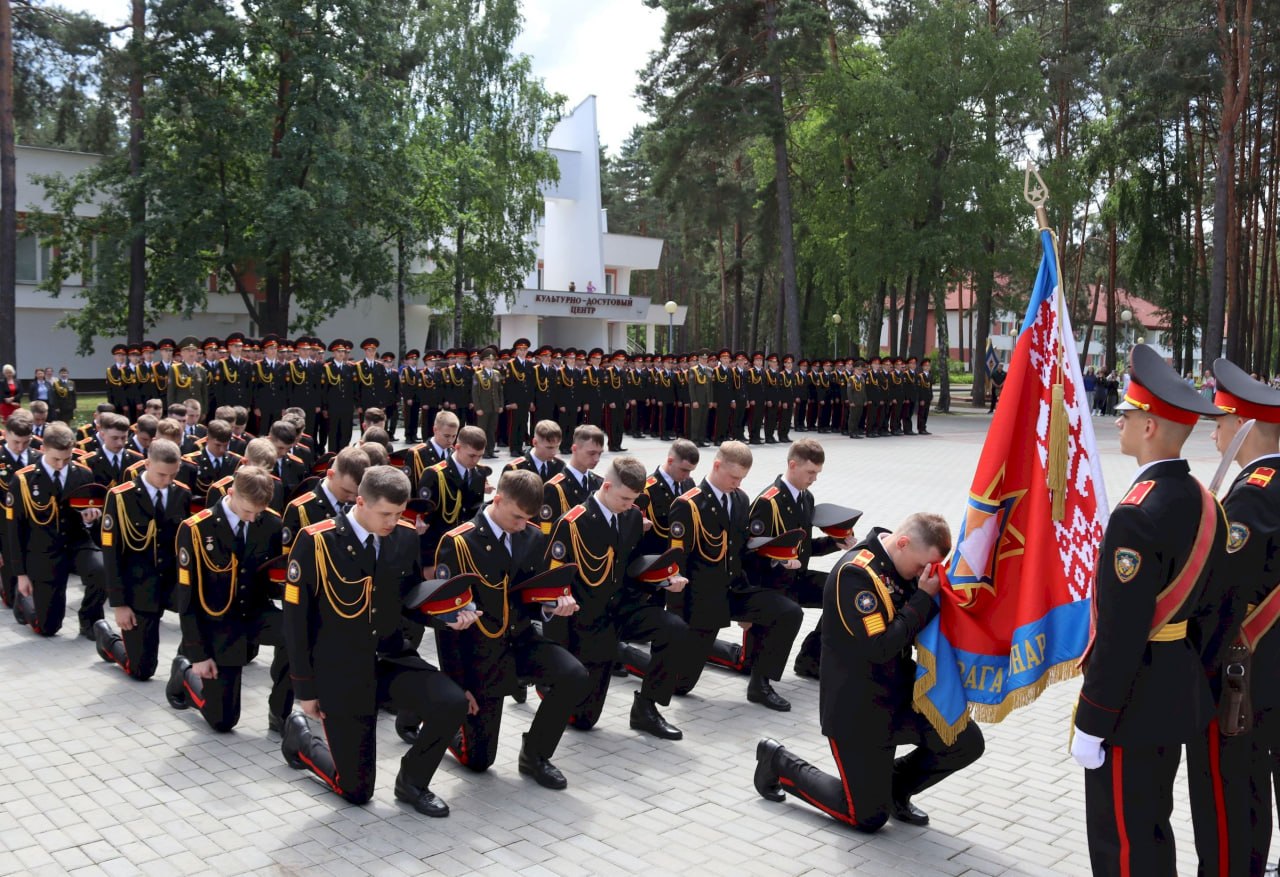
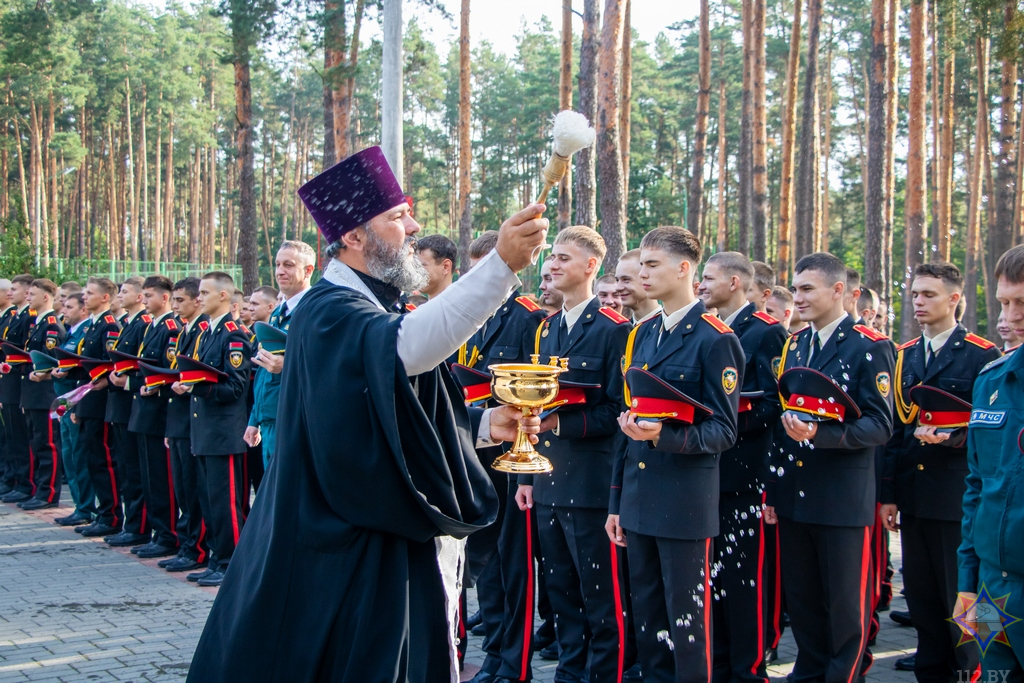
В 2004 году осуществилась мечта Министра по чрезвычайным ситуациям Республики Беларусь В.П.Астапова (ныне - бывший первый Министр по чрезвычайным ситуациям Республики Беларусь, генерал-лейтенант в отставке), который мечтал создать кадетский корпус при Министерстве по чрезвычайным ситуациям, осуществляющий профильную подготовку учеников для поступления в высшие учебные заведения МЧС. Идея нашла поддержку у Президента Республики Беларусь А.Г.Лукашенко. Так, Постановлением Совета Министров Республики Беларусь от 25 мая 2004 года № 612 было законодательно определено создание лицея. Так началась история государственного учреждения образования «Лицей при Гомельском инженерном институте» Министерства по чрезвычайным ситуациям Республики Беларусь.
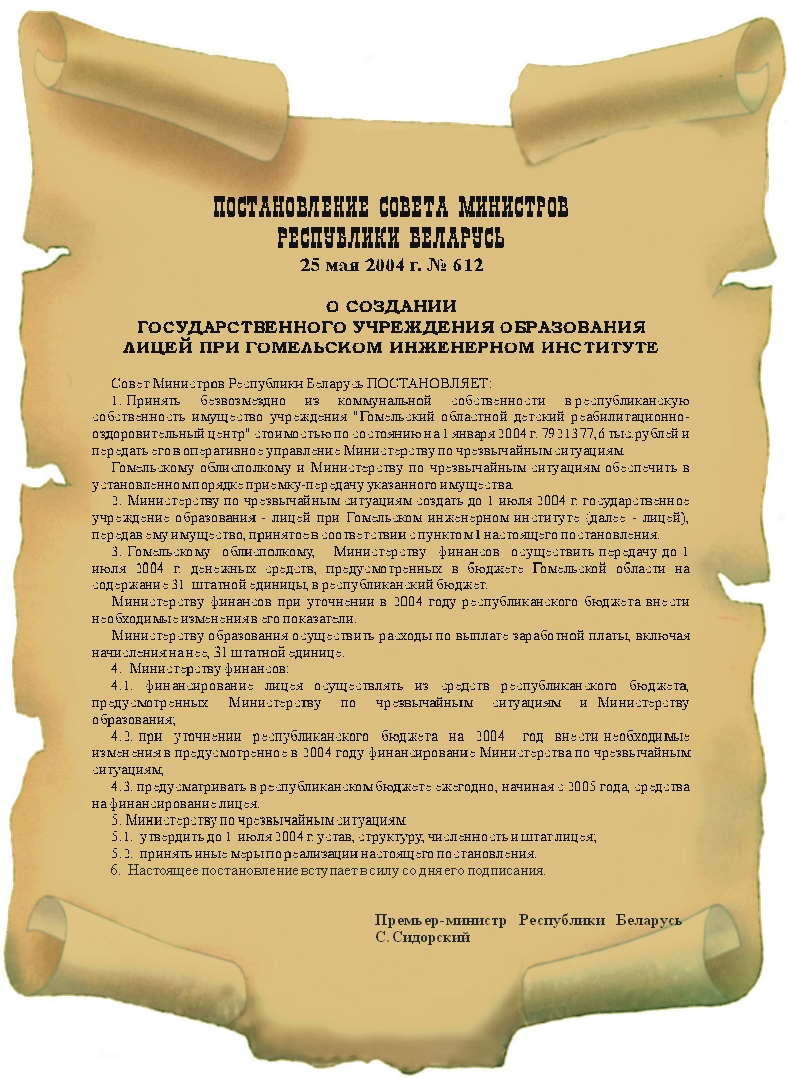
После подписания постановления, в течение полугода, шла напряженная работа по созданию перспективного плана развития лицея. Одновременно наводился порядок на территории и ремонтировались здания будущего учебного заведения, созданного на базе бывшего пионерского лагеря «Сельмашевец» в урочище Боровая Гомельского района, которому по решению Гомельского облисполкома было решено подарить новую возможность для развития.
- Информация о материале
- Время чтения: 1 мин
- Просмотров: 1301
- Информация о материале
- Время чтения: 1 мин
- Просмотров: 67
This is a sample blog posting.
If you log in to the site (the Author Login link is on the very bottom of this page) you will be able to edit it and all of the other existing articles. You will also be able to create a new article and make other changes to the site.
As you add and modify articles you will see how your site changes and also how you can customise it in various ways.
Go ahead, you can't break it.
- Информация о материале
- Время чтения: 1 мин
- Просмотров: 11
Your home page is set to display the four most recent articles from the blog category in a column. Then there are links to the next two oldest articles. You can change those numbers by editing the content options settings in the blog tab in your site administrator. There is a link to your site administrator in the top menu.
If you want to have your blog post broken into two parts, an introduction and then a full length separate page, use the Read More button to insert a break.
- Информация о материале
- Время чтения: 2 мин
- Просмотров: 9
Your site has some commonly used modules already preconfigured. These include:
- Image Module which holds the image beneath the menu. This is a Custom module that you can edit to change the image.
- Most Read Posts which lists articles based on the number of times they have been read.
- Older Articles which lists out articles by month.
- Syndicate which allows your readers to read your posts in a news reader.
- Popular Tags, which will appear if you use tagging on your articles. Just enter a tag in the Tags field when editing.
Each of these modules has many options which you can experiment with in the Module Manager in your site Administrator. Moving your mouse over a module and clicking on the edit icon will take you to an edit screen for that module. Always be sure to save and close any module you edit.
Joomla! also includes many other modules you can incorporate in your site. As you develop your site you may want to add more module that you can find at the Joomla Extensions Directory.